

FDALabel Search Query Builder
Use this builder to plan your search strategy. Specify your keywords, target sections, and application types to generate a structured query plan for the FDALabel tool.
Your Recommended Query Strategy:
Finding a specific warning or a precise drug interaction in a 50-page regulatory document is like looking for a needle in a haystack. If you've ever tried to manually sift through thousands of PDFs to find every drug that mentions a specific side effect, you know it's nearly impossible. That's where the FDALabel is a free, web-based database maintained by the FDA's National Center for Toxicological Research (NCTR) that allows you to search through the actual text of drug labels. Also known as the FDALabel Tool, it turns a massive archive of regulatory documents into a searchable library.
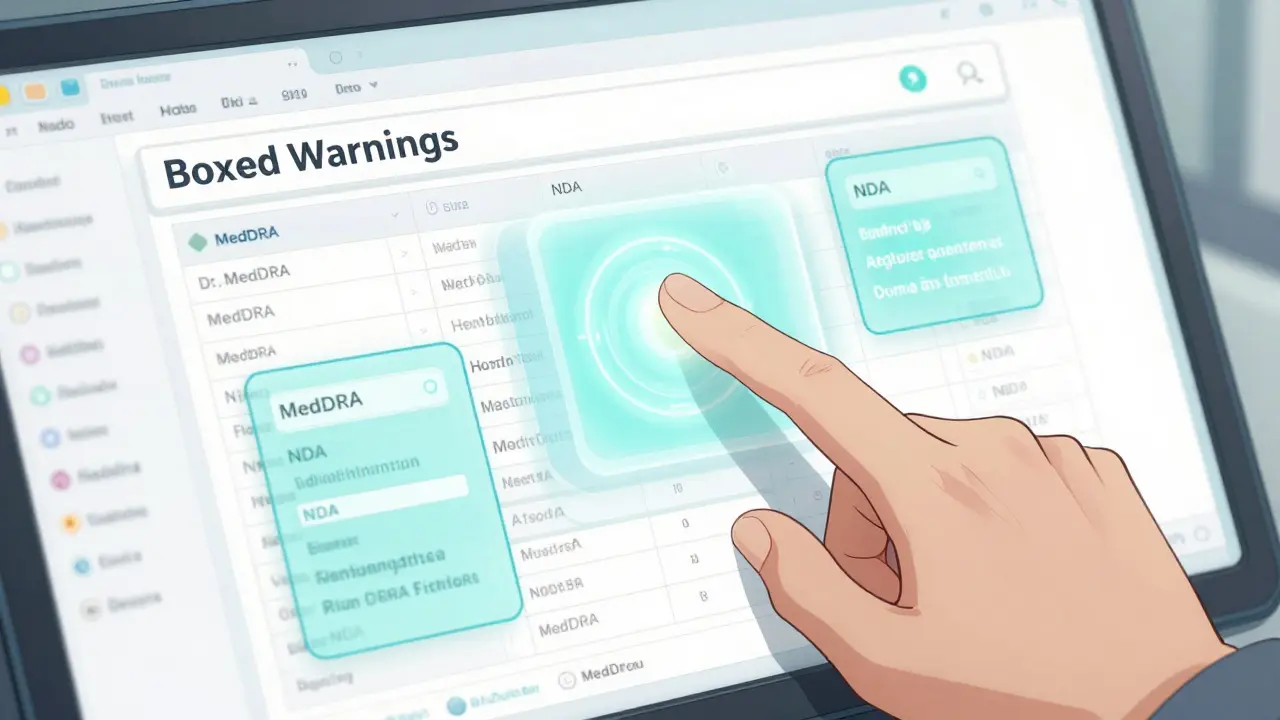
Unlike a basic Google search, this tool lets you target specific sections of a label. Instead of searching the whole document, you can tell the system to only look in the "Boxed Warnings" or "Adverse Reactions" sections. This level of precision is a game-changer for anyone who needs authoritative, regulatory-grade data without the fluff.
Quick Summary of FDALabel
- What it is: A specialized search engine for over 149,000 drug labeling documents.
- Key Strength: Ability to search within specific label sections (e.g., Drug Interactions).
- Data Source: Directly pulls from the FDA's Structured Product Labeling (SPL) archive.
- Who it's for: Researchers, pharmacists, regulatory pros, and curious patients.
- Cost: Completely free to use.
How to Use the FDALabel Database
You don't need to install any software to get started. The tool is hosted on AWS cloud infrastructure, meaning you just need a browser to access it. Whether you are looking for a specific ingredient or a rare side effect, the process follows a logical flow from broad to specific.
First, decide if you want a full-text search or a section-specific search. A full-text search scans everything, which is great for general inquiries. However, if you're conducting a safety study, you'll want to use the section filters. For example, if you only care about Boxed Warnings, selecting that filter will remove all the noise from the "Dosage and Administration" or "Clinical Pharmacology" sections.
You can further narrow your results by the application type. If you only want results from NDA (New Drug Applications) or ANDA (Abbreviated New Drug Applications), you can toggle these settings to filter out biological products or animal drugs that might clutter your results.
Advanced Search Techniques for Professionals
For those doing deep-dive research, basic keywords aren't always enough. The database integrates with several high-level systems to make searches more accurate. One of the most powerful is the integration with MedDRA (Medical Dictionary for Regulatory Activities). Instead of guessing if a manufacturer used the word "headache" or "cephalalgia," using MedDRA standard terms ensures you catch every instance of a specific adverse event across all 149,000+ documents.
Another pro tip is using the Permanent Query Link. If you've spent twenty minutes fine-tuning a complex search-say, "Human Rx AND NDA with acute liver failure in the Boxed Warning"-you don't want to do it again next week. This feature generates a unique URL that saves your exact filters and keywords. You can bookmark this link or email it to a colleague, and they'll see the exact same result set.
| Feature | FDALabel | Drugs@FDA | DailyMed |
|---|---|---|---|
| Primary Focus | Deep text search of labels | Approval history & actions | Current SPL labels |
| Section-Specific Search | Yes (Powerful) | No | Limited |
| MedDRA Integration | Yes | No | No |
| Export Formats | CSV & Excel | Limited | Various |
Managing and Exporting Your Data
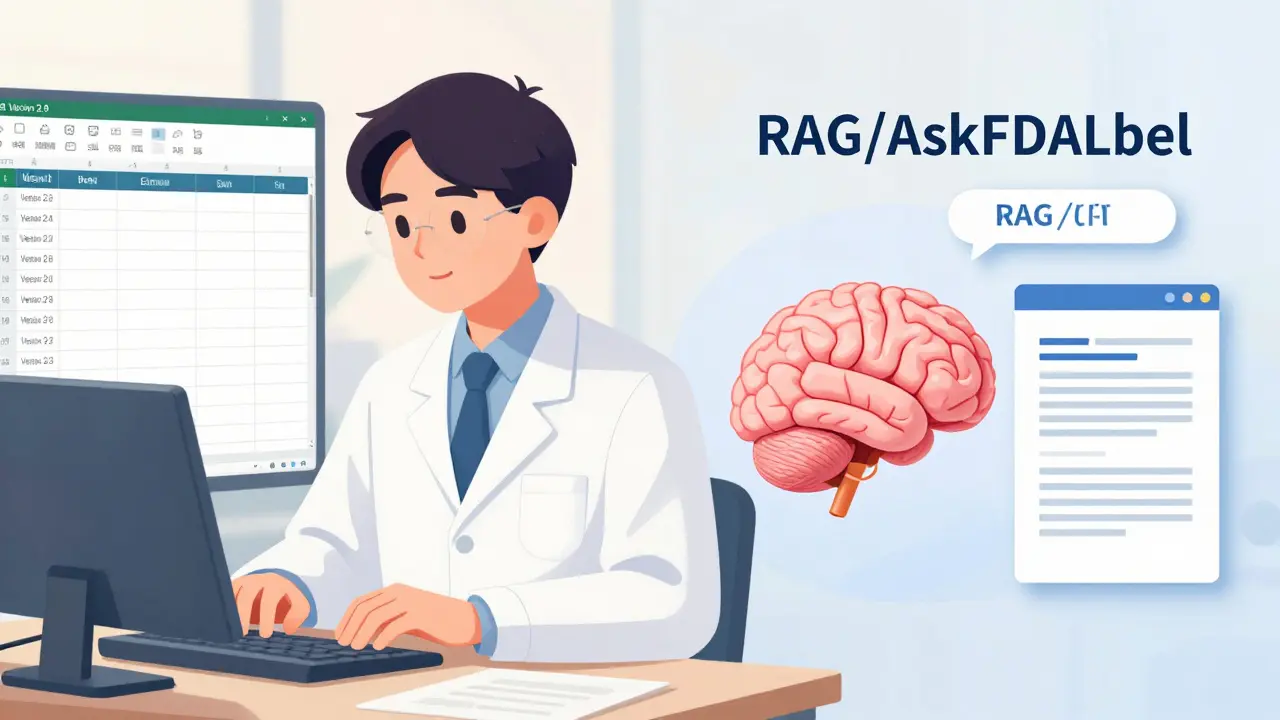
Once you've run your query and found a list of relevant drugs, the next step is getting that data out of the browser and into a tool where you can analyze it. In the Version 2.9 update released in July 2024, the FDA added a much-needed Excel export option. Previously, users were stuck with CSV files, which often messed up formatting or required extra cleanup.
The new Excel export is particularly useful because it provides two separate sheets. The first sheet contains your search results, while the second contains crucial metadata: the Query Link, the Result Link, and the exact timestamp of the export. This creates a clear audit trail, which is essential for regulatory compliance or academic publishing where you must prove exactly when and how you gathered your data.
If you're scrolling through hundreds of results, you'll notice the locked top header. It seems like a small detail, but when you're comparing product names against application types across fifty rows, not losing track of which column is which saves a surprising amount of time.
Practical Use Cases: From Labs to Clinics
Who is actually using this tool? It's not just for government employees. Pharmaceutical companies use FDALabel for competitive intelligence. By studying the ingredients and warnings in a competitor's labeling documents, they can identify gaps in the market or develop alternative drugs with better safety profiles.
In the world of pharmacovigilance, researchers use the database to spot trends. For instance, if a new type of adverse reaction starts appearing in several different drugs within the same pharmacologic class, researchers can use FDALabel to see if that reaction was already buried in the labels of older, similar drugs.
There's also a push toward AI. A 2023 study highlighted a framework called "AskFDALabel," which uses Retrieval-Augmented Generation (RAG). Essentially, it connects a Large Language Model (LLM) to the FDALabel database. Instead of the AI hallucinating an answer, it retrieves the actual text from the FDA label and then uses the AI to summarize the finding. This combines the accuracy of a government database with the ease of a chat interface.

Common Pitfalls and How to Avoid Them
The biggest hurdle for new users is the terminology. If you search for "heart attack," you might miss documents that exclusively use the term "myocardial infarction." This is why the Pharmacologic Class search is so useful-it allows you to find drugs based on how they work, rather than just what they are called.
Another mistake is ignoring the update cycle. The FDALabel database is updated twice monthly. If you are tracking a drug that recently had a labeling change, make sure you check the latest version. Because it pulls directly from the SPL archive, it's one of the fastest ways to see changes in regulatory language across a broad product category.
Is FDALabel the same as Drugs@FDA?
No. Drugs@FDA is designed to show you the approval history, the original application, and regulatory actions taken on a drug. FDALabel is a specialized search tool that lets you dive into the actual text of the labeling documents to find specific words or phrases across thousands of products at once.
Do I need an account to use the FDALabel tool?
No, it is a free public resource. You can access all search and export features directly through your web browser without any registration or login process.
What is the difference between a CSV and Excel export in Version 2.9?
While both provide the data, the Excel export is more robust. It includes a second spreadsheet with metadata (like the exact query link and export time) and preserves formatting better than a standard CSV file, making it easier to perform data analysis immediately.
How often is the labeling data updated?
The database is updated twice a month, sourcing its information directly from the FDA's Structured Product Labeling (SPL) archive to ensure the documents reflect the most current approved labeling.
What are MedDRA terms and why should I use them?
MedDRA is a standardized medical dictionary used worldwide for regulatory reporting. Using these terms in FDALabel ensures that your search captures all variations of a medical condition or side effect, regardless of the specific wording a manufacturer chose for their label.
Next Steps for Users
If you're a beginner, start by running a few full-text searches for drugs you're familiar with to see how the results are structured. Once you're comfortable, download the Quick Start Manual to learn how to build complex queries using boolean logic.
For those in regulatory affairs, try creating a set of Permanent Query Links for the most common safety signals you monitor. This will turn the tool from a one-off search engine into a recurring monitoring dashboard for your product line.




Jasmin Stowers
April 12, 2026 AT 23:21super helpful for patients too
Kenzie Evans
April 14, 2026 AT 13:24Whoever wrote this thinks they're teaching us something new but anyone in the industry already knows about the SPL archive. It's not some secret tool. Also, the interface is clunky as hell and the search filters often glitch out if you use too many boolean operators. I've spent hours fighting with the AWS lag. Basically just a glorified PDF searcher with a fancy name.
Scott Lofquist
April 15, 2026 AT 14:02Actually, the MedDRA integration is the only part that matters here 🙄. Without it, you're basically guessing. But let's be real, relying on a government-maintained database for 'real-time' safety is a joke when the update cycle is only twice a month. 🤡 That's a huge gap in pharmacovigilance standards. Absolute madness 🤦♂️
Mary Johnson
April 16, 2026 AT 09:22Why is this free though? Nothing is ever truly free. The FDA wants us to feel like we have access to the data while they hide the real systemic failures of the approval process. You search for a side effect and find it listed, but you'll never find the documents where they deliberately ignored the early trial red flags. It's all just a layer of transparency to keep us from asking the real questions about who's actually paying for these labels. I bet the AI 'AskFDALabel' is just there to manipulate the results so we don't find the scary stuff. Wake up people, the metadata is probably just a way to track who's looking into what drugs!
melissa mac
April 17, 2026 AT 11:12I think it's wonderful that we have a way to bridge the gap between complex regulatory language and patient understanding. For those who are new to this, I highly suggest starting with the full-text search to get a feel for the layout before diving into the MedDRA terms. It's a learning curve, but so rewarding once you get it.
Catherine Mailum
April 19, 2026 AT 05:26oh wow i'm just so shocked that a gov website finally added excel export in 2024... truly a technological marvel of our time 🙄
Rim Linda
April 19, 2026 AT 17:42The part about the AI hallucinating is so scary!! 😱 I can't even imagine if I'm reading the real label or some AI fever dream! 😭
Olivia Lo
April 20, 2026 AT 08:51The epistemological implications of utilizing RAG frameworks for regulatory retrieval are quite significant. By mitigating stochastic hallucinations through grounded retrieval, we essentially move from generative approximation to verifiable evidentiary synthesis. It is an assertive step toward systemic transparency, though one must remain cognizant of the inherent biases in the underlying SPL taxonomy. This approach preserves the semiotic integrity of the original regulatory text while enhancing the accessibility of the data for diverse stakeholders.
Tabatha Pugh
April 20, 2026 AT 12:49The Permanent Query Link is actually the most useful feature here because the session timeouts on these federal sites are incredibly aggressive. If you don't save your query, you're just wasting your life re-entering parameters. Also, the AND/OR logic can be finicky if you don't use the exact syntax from the manual.
mimi clouet
April 22, 2026 AT 08:07I love using the pharmacologic class search! It's so much better than trying to remember every single brand name for a class of drugs 💖 a total life saver for students! ✨